
Getting Started Guide
Getting Started with MyNextBrowser
Welcome to MyNextBrowser! This guide will walk you through installing the extension and running your first automation. You'll see how easy it is to save time by letting an agent handle your repetitive browsing tasks.
Step 1: Install and Connect
First, you need to add MyNextBrowser to your browser.
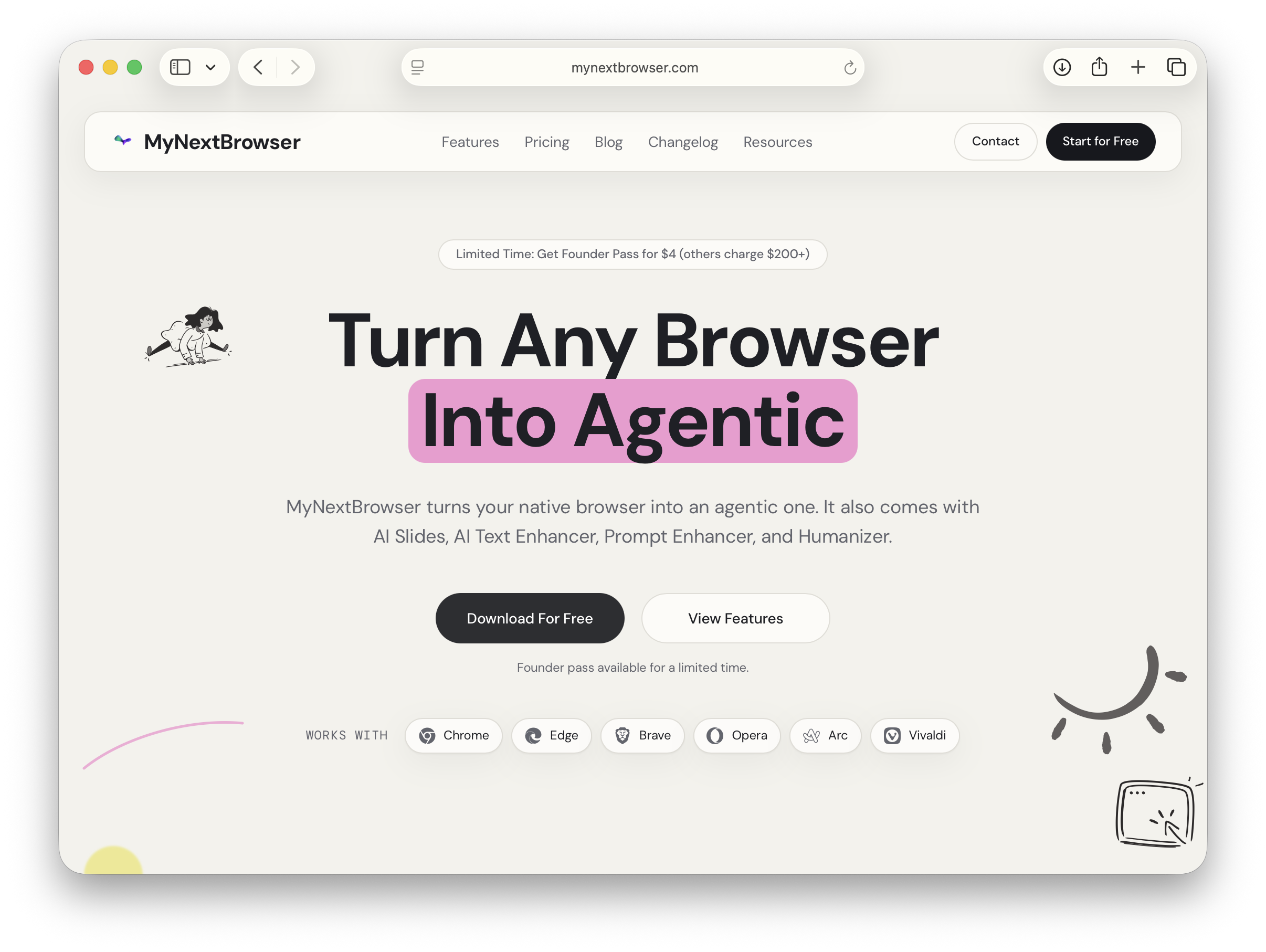
- Install the extension on your Chromium-based browser (like Chrome, Edge, Brave, Arc, or Opera).
- Sign in to your account.
- Open the command panel to get started.
Step 2: Choose Your First Task
Start with a simple, repetitive task you do often. Good starting points include comparing product prices, triaging your email inbox, or gathering research from a few websites. We'll use a shopping example.
Step 3: Issue a Clear Command
Tell the agent what you want to achieve in a single, clear sentence. Focus on the final outcome, not the individual steps.
For example, open the command panel and type:
`Compare prices for "Sony WH-1000XM5" across Amazon, Best Buy, and Walmart. Apply any coupons and show the best total price.`
Step 4: Let the Agent Work
Once you issue the command, the MyNextBrowser agent gets to work. It will open tabs, find the product, check for coupons, and calculate the total price with shipping in the background. You can continue with your other work while it runs.
Step 5: Review the Results
When the task is complete, you will receive a simple, ranked result showing the best deal. You can click to proceed to checkout or save the information for later.
Step 6: Save Your Workflow
Don't repeat yourself. You can save the command you just used as a reusable workflow. The next time you want to price-check an item, you can run the same automation with a single click, just by changing the product name.
What to Automate Next
Once you're comfortable, try automating other parts of your day.
- Automate Email: "Summarize my inbox from today. Flag urgent messages and draft replies for the top five."
- Automate Research: "Research "battery recycling in the EU" from academic and news sources. Compile a report with citations and key statistics."
- Automate Forms: "Fill this job application using my saved resume and profile. Pause for review before submit."
MyNextBrowser offers a free tier with 30 tasks per month, so you can start automating today without any commitment.